Home » Support » Knowledge Base » Knowledge Base

Knowledge Base

What software supports DirectLink Mode with Oxygen 3rd Gen keyboards?
Text size [-] [+]

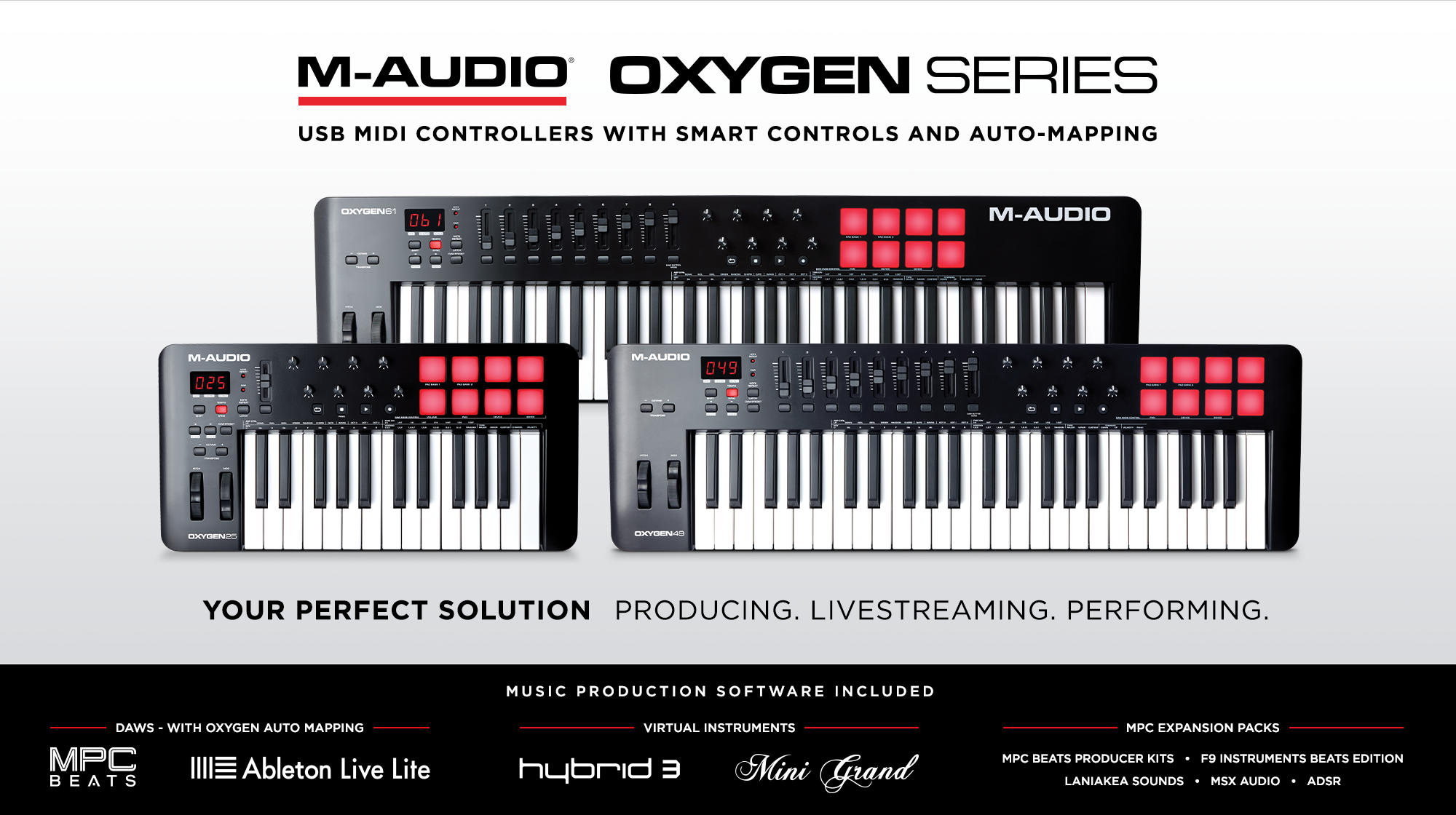
The latest M-Audio Oxygen* 3rd Gen (blue) MIDI controllers feature DirectLink mode, which automatically maps onboard controls to common DAW functions including transport, mixer, track pan and plug-in parameters.  See below for a list of audio software currently compatible with DirectLink.

Supported DAWs

  • Ableton Live 8.0.9 and later
  • Apple GarageBand
  • Apple Logic Pro 8.x and later
  • Apple Logic Express 8.x and later*
  • Pro Tools M-Powered 8.0.1 and higher
  • Pro Tools LE 8.0.1 and higher
  • Propellerheads Reason 4.x
  • Steinberg Cubase 5.x**

Please check back for updates on additional DAW compatibility.

Download DirectLink Personalities from our drivers/updates page.  DirectLink is only compatible with the Oxygen 25, Oxygen 49 (blue), and Oxygen 61 (blue) keyboards; it does not support the silver Oxygen series keyboards.

* Logic Pro 9.1 is only supported when launched in 32-bit mode; 64-bit mode is not currently supported
** Cubase 5 32-bit only, Cubase 5 64-bit is not currently supported


For instructions on configuring and using DirectLink with your DAW, check the configuration instructions contained in the ReadMe included with the DirectLink Installer.  Pro Tools 8 users, click here for more info.  For more information on how to configure DirectLink in Live, click here.
 

Q: What about applications not currently supported by DirectLink?  Can I still use the Oxygen 3rd gen (blue) keyboards with these applications?

A: The Oxygen 3rd gen (blue) keyboards can be used with virtually any application that supports MIDI (MME & Mac OS X Core MIDI).  Most DAW applications that are not directly supported by DirectLink allow mapping of the Oxygen top panel controls by using the software’s MIDI Learn function.  Refer to the documentation provided with the DAW software for more information about its MIDI learn capabilities.

If your software does not support DirectLink or MIDI learn, it may be possible to control it manually by assigning the buttons, knobs and sliders of your Oxygen keyboard to the MIDI CC numbers for various software parameters.  For a list of such parameters and the corresponding MIDI CC's, please refer to the documentation provided with the DAW software.  For further information on programming the Oxygen keyboard to send these messages, please refer to Section 8 (Advanced Keyboard Functions) in the Oxygen Series User Guide.